
ChartGuru mobile app
AI chart analysis app: snap any chart, get a real read
Screenshot a chart for gold, crypto, forex or stocks. ChartGuru tells you which way it leans, how confident the analysis is, and the price that proves it wrong, from live market data.


Free to download · Same account and plan as chartguru.io iPhone app coming soon. Until then, chartguru.io works in Safari.
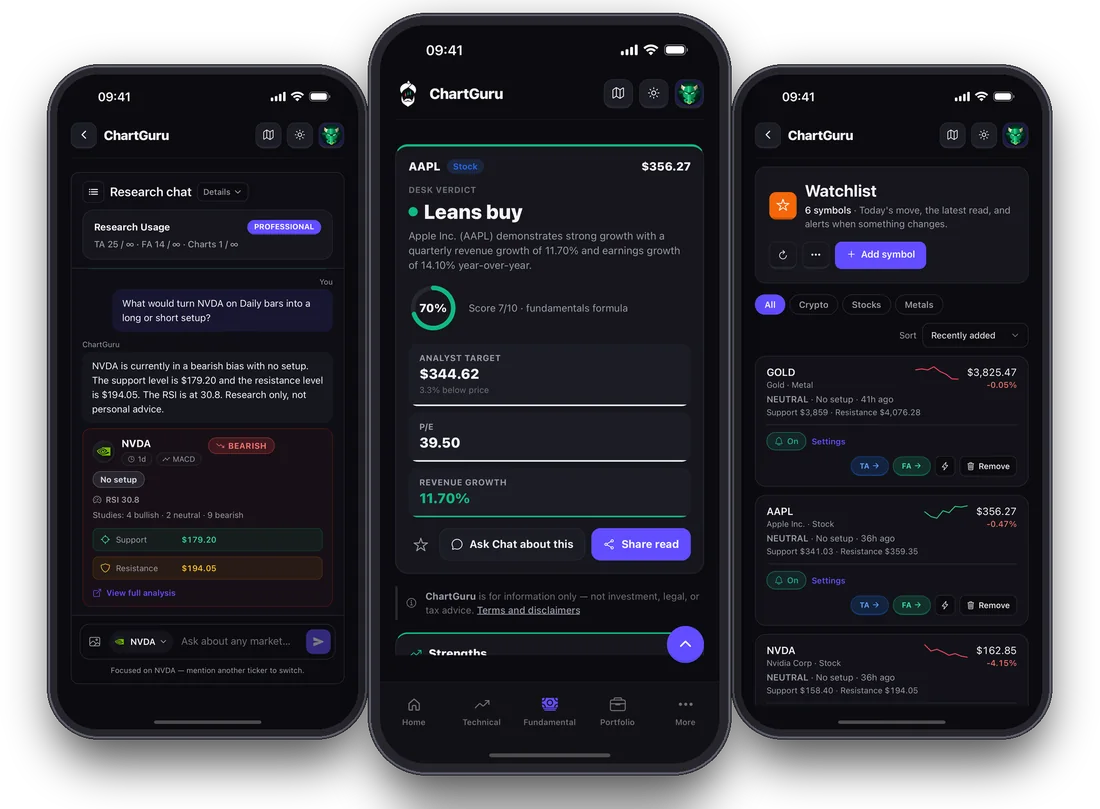
What you get
A chart scanner and research desk in your pocket
Most chart AI apps look at a picture and guess. ChartGuru uses your screenshot only to find the market, then computes indicators, patterns and levels from real price data.
AI chart scanner
Screenshot a chart from your broker, TradingView or any trading app. ChartGuru reads the symbol and timeframe, then analyzes live price data, not the picture.
Bias, confidence, invalidation
Every read says which way the market leans, how confident the analysis is, and the exact price that proves the idea wrong.
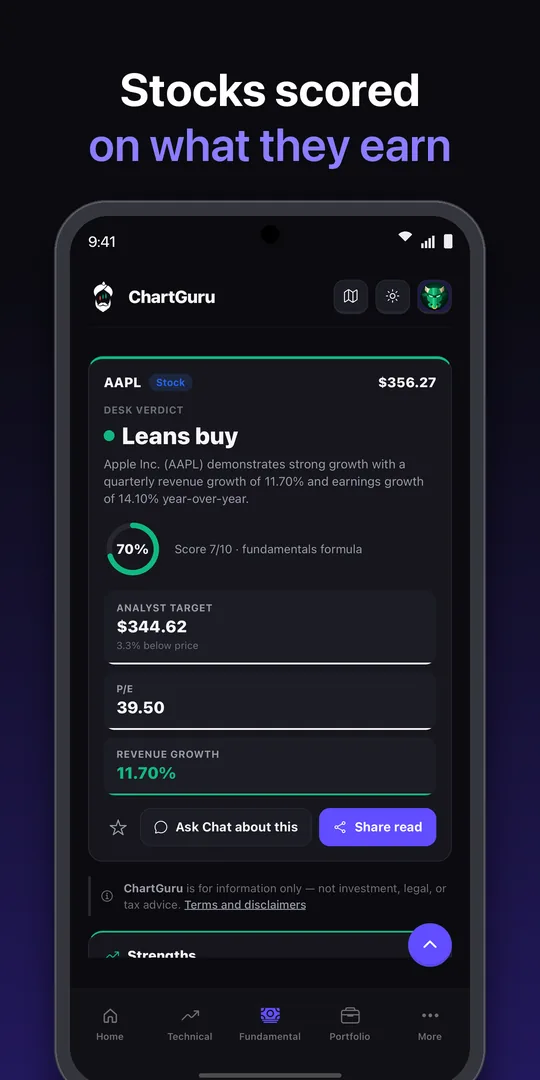
Full technical analysis
RSI, MACD, moving averages, support and resistance, trend and momentum, on the timeframe you trade.
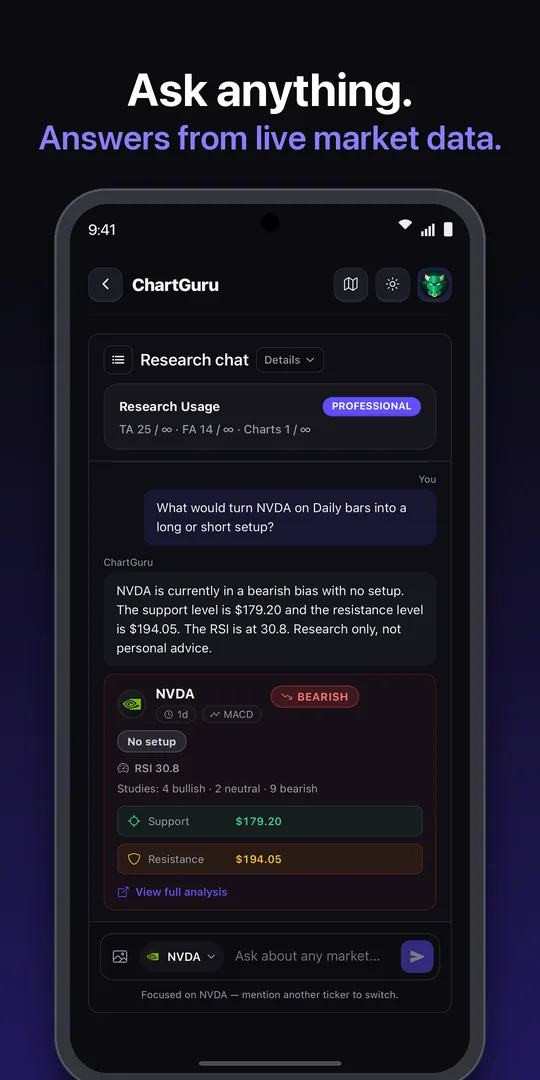
Guru AI chat
Ask anything about a market and get an answer grounded in the same live data as the analysis.
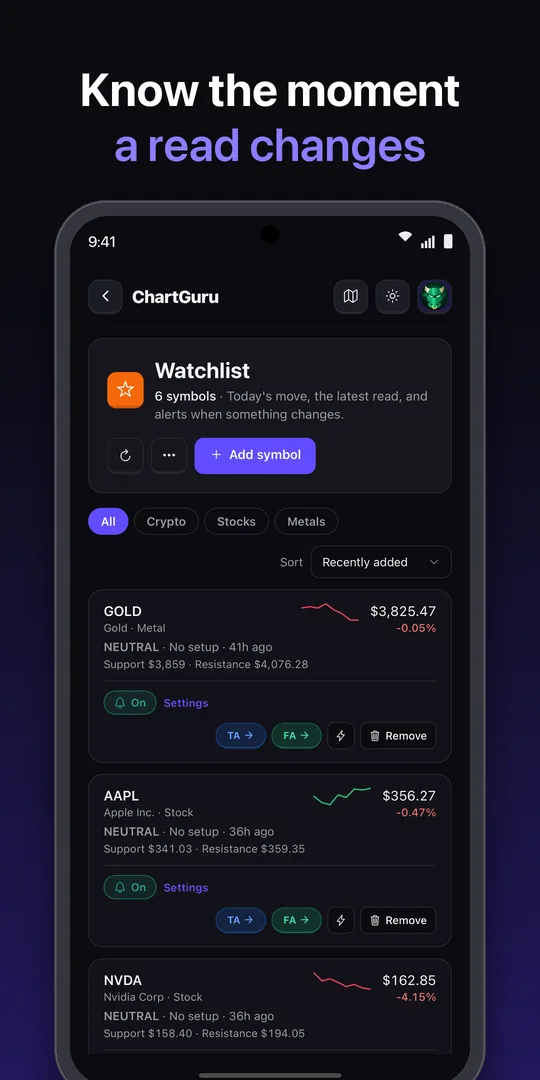
Watchlist alerts
Get a push notification, email or Telegram message the moment a read on your watchlist changes.
Gems and movers
Today's biggest movers, and the coins and stocks setting up before they move.
Inside the app
Read it, ask about it, watch it
How it works
From screenshot to setup in three steps
Install and sign in
Download ChartGuru, then sign in with Google, Apple or email. Your web account works as is.
Snap or pick a chart
Upload a chart screenshot, or search any symbol across gold, crypto, forex and stocks.
Read the setup
Get the bias, confidence score, key levels and invalidation in seconds, then ask Guru follow-up questions.
Markets
Built for the markets you trade
Gold and silver on every timeframe, Bitcoin and thousands of altcoins, every major and minor forex pair, US stocks and indices.
- Gold (XAUUSD)
- Silver (XAGUSD)
- Bitcoin
- Ethereum
- Solana
- EURUSD
- GBPUSD
- USDJPY
- US stocks
- ETFs
- S&P 500
- Nasdaq
Go deeper
More from ChartGuru
Analyze a chart screenshot
Try the chart scanner in your browser, no install needed.
AI gold & silver analysis
XAUUSD and XAGUSD setups with levels and invalidation.
AI crypto chart analysis
Bitcoin, Ethereum and altcoin reads on every timeframe.
AI forex analysis
Major and minor pairs with bias and confidence.
ChartGuru on Telegram
Quick structured reads in chat with @chartguruaibot.
Best AI chart analysis tools
How ChartGuru compares with other chart AI apps.
FAQ
ChartGuru app FAQ
Pricing, the chart scanner, iPhone availability and how your web plan carries over.
Is the ChartGuru app free?
How does the AI chart scanner work?
Is there an iPhone app?
I already subscribe on chartguru.io. Do I pay again in the app?
Which markets does the app cover?
Does ChartGuru place trades?
Get ChartGuru on your phone
Free to download. Snap your next chart and see the bias, confidence and invalidation before you trade.
Analysis only, not investment advice. Trading involves risk of loss.